Choosing the Right MSI Laptop for AI: From Everyday Productivity to Edge AI Workstations
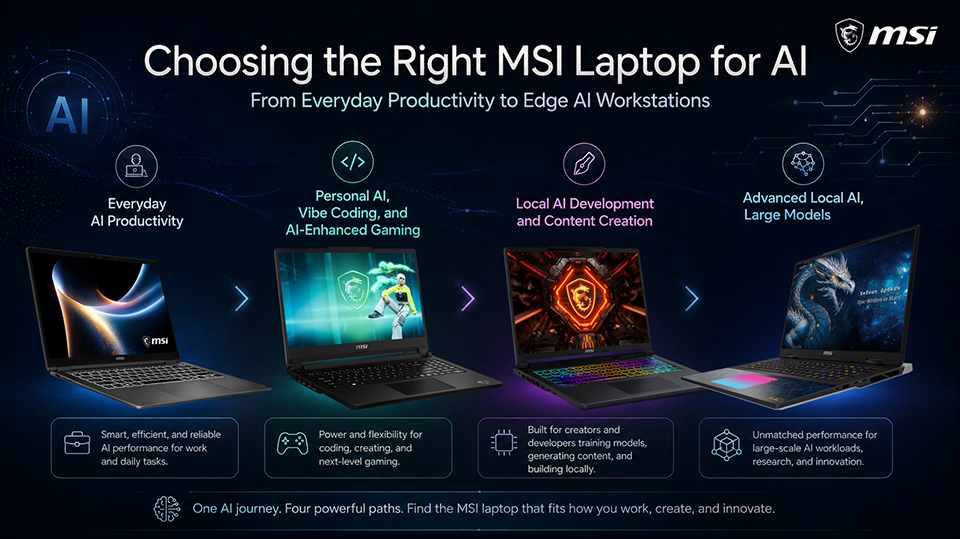
AI is becoming part of how people work, create, code, and play. But choosing the right AI-ready laptop is not simply about choosing a product series—it starts with understanding what kind of AI workflow you want to run.
For everyday productivity, an efficient NPU-based laptop may already be the right fit. For local AI tools, content creation, local model experimentation, or advanced development, GPU performance and VRAM become much more important.
That is why MSI offers a complete AI-ready laptop portfolio across both Business & Productivity and Gaming series. Whether you use AI for daily work, gaming, streaming, coding, creative production, or local model development, MSI provides different options based on your workload and configuration needs.
For Everyday AI Productivity
Best for: AI-assisted writing (emails, reports, documents), meeting summaries, cloud AI tools, and Copilot+ PC experiences
If your AI usage mainly focuses on writing, meetings, document summaries, business communication, and knowledge search, you may not need a heavy GPU-based laptop.
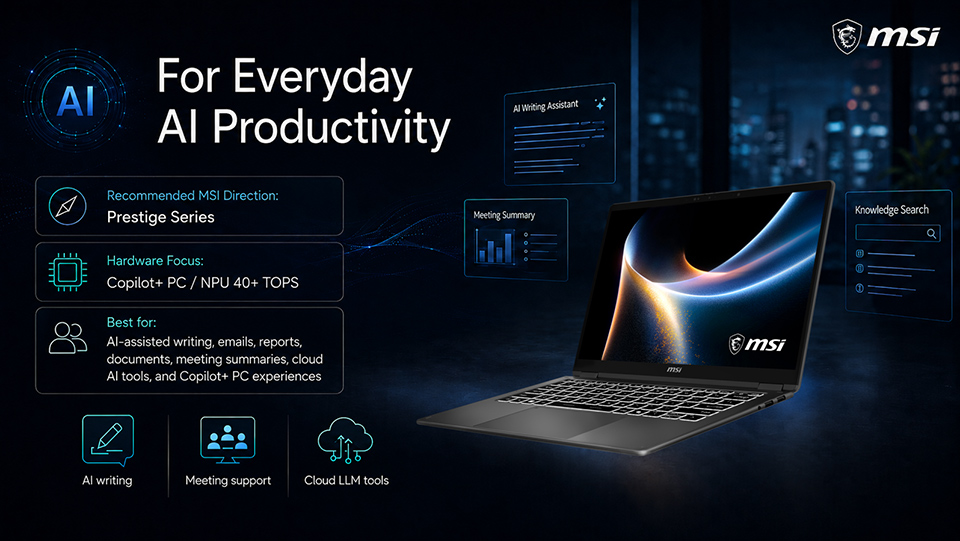
For this type of workflow, the MSI Prestige Series is a practical starting point. Many Prestige models are built as Copilot+ PCs, with NPU performance above 40 TOPS, making them suitable for AI-assisted writing, meeting support, cloud LLM tools, and Copilot+ PC experiences.
This makes Prestige a strong fit for business users, mobile professionals, students, and organizations that want AI to improve daily productivity while maintaining portability, battery life, and a smooth work experience.
Recommended MSI direction: Prestige Series
Hardware focus: Copilot+ PC / NPU 40+ TOPS
For Personal AI, Vibe Coding, and AI-Enhanced Gaming
Best for: Personal AI assistants such as ChatRTX, virtual host / avatar replacement, AI-enhanced gaming, NVIDIA Broadcast, Luminar Neo, and vibe coding
If your AI usage includes personal AI assistants, gaming, streaming, real-time video or audio enhancement, and AI-enhanced entertainment, an entry-level RTX configuration is a good place to start.
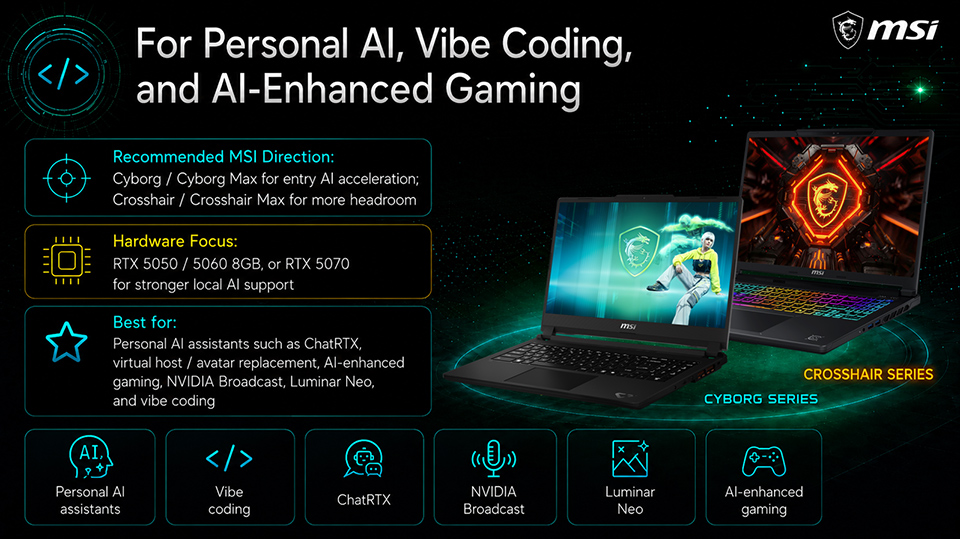
For this scenario, MSI Cyborg and Cyborg Max with GeForce RTX 5050 / 5060 and 8GB VRAM provide accessible GPU acceleration for everyday AI experiences. Users can explore tools such as ChatRTX, NVIDIA Broadcast, and Luminar Neo, while also benefiting from gaming technologies like DLSS Multi Frame Generation and Ray Reconstruction.
This level is also suitable for users who want to try AI-enhanced streaming, virtual host or avatar effects, and simple vibe coding workflows. If you want more headroom for local AI tools or heavier multitasking, you can also consider Crosshair or Crosshair Max configurations with GeForce RTX 5070, depending on the GPU and VRAM option.
Recommended MSI direction: Cyborg / Cyborg Max for entry AI acceleration; Crosshair / Crosshair Max for more headroom
Hardware focus: RTX 5050 / 5060 8GB, or RTX 5070 for stronger local AI support
For Local AI Development and Content Creation
Best for: AI-assisted coding, local inference, LM Studio, Ollama, Topaz Video AI, DaVinci Resolve, ComfyUI, lightweight model tuning, and AI content creation
If your AI workflow involves AI-assisted coding, local inference, AI application development, image enhancement, video editing, or content generation, VRAM becomes more important.
For this type of workload, GeForce RTX 5070 / 5070 Ti configurations are a flexible middle ground. RTX 5070 may come with 8GB or 12GB VRAM, while RTX 5070 Ti offers 12GB VRAM, giving users more room for local AI tools and creative workflows.
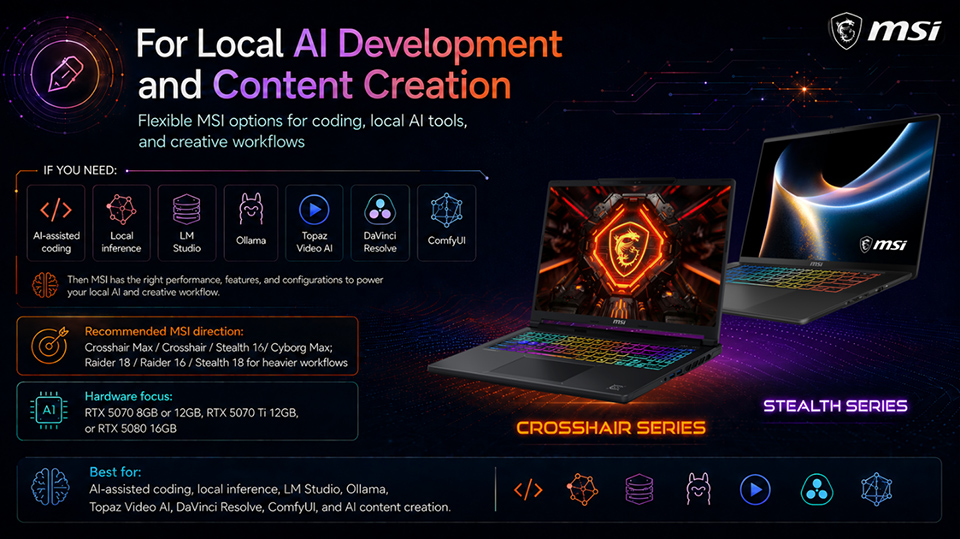
Depending on the configuration, Crosshair Max, Crosshair, Stealth 16, and Cyborg Max can all be suitable choices. These laptops can support tools such as LM Studio, Ollama, ChatRTX, Topaz Video AI, and DaVinci Resolve Studio 4K workflows, while also giving developers and creators stronger performance for AI-assisted coding, automated content generation, and high-resolution visual enhancement.
For creators or professionals who need heavier workflows, such as more complex ComfyUI projects, lightweight model tuning, or AI-assisted 8K video editing and rendering (such as using DaVinci Resolve or Adobe Premiere Pro with AI effects, upscaling, and color grading), moving up to Raider 18, Raider 16, or Stealth 18 with GeForce RTX 5080 and 16GB VRAM provides more headroom.
Recommended MSI direction: Crosshair Max / Crosshair / Stealth 16 / Cyborg Max for mainstream local AI and creation; Raider 18 / Raider 16 / Stealth 18 for heavier professional workflows
Hardware focus: RTX 5070 8GB or 12GB, RTX 5070 Ti 12GB, or RTX 5080 16GB
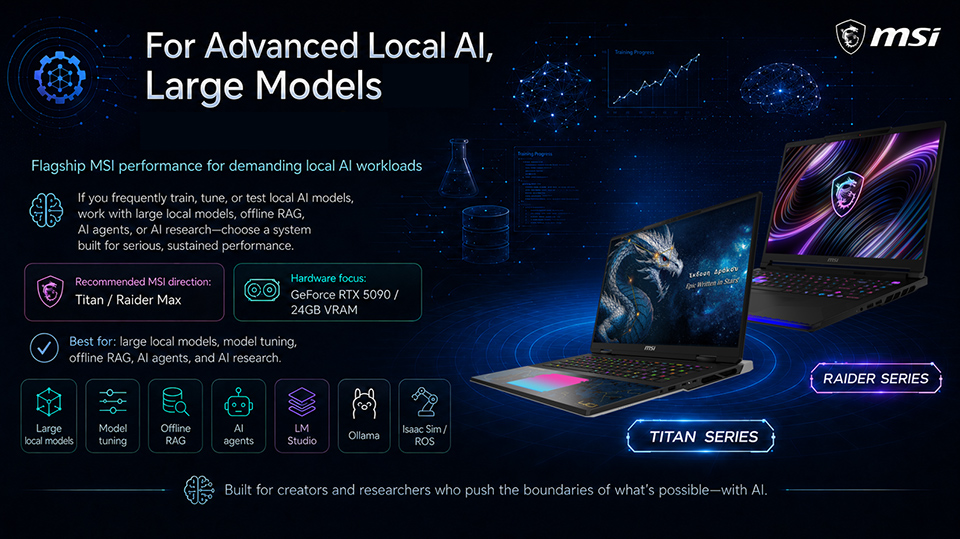
For Advanced Local AI and Large Model Workloads
Best for: Local model fine-tuning and experimentation, large local models, offline RAG, AI agents, heavy ComfyUI workflows, LM Studio, Ollama, and Isaac Sim / ROS development
If you frequently experiment with, fine-tune, or test local AI models, you should prioritize higher GPU performance and larger VRAM. Larger models, heavier batch sizes, offline RAG architectures, hybrid AI agents, and advanced development workloads usually require more graphics memory.
For professional AI creation and lightweight model tuning, GeForce RTX 5080 with 16GB VRAM is a strong starting point, available on models such as Raider 18, Raider 16, and Stealth 18.
For more demanding local AI workloads, larger local models, local model fine-tuning and experimentation, or heavy ComfyUI workflows, MSI Titan and Raider Max with GeForce RTX 5090 and 24GB VRAM are the recommended directions. This level is designed for data scientists, advanced developers, power users, and tech enthusiasts working with large local models, offline RAG architecture, hybrid AI agents, LM Studio, Ollama, and AI Robot for Isaac Sim / ROS development.
Recommended MSI direction: Raider 18 / Raider 16 / Stealth 18 for professional AI creation and lightweight model tuning; Titan / Raider Max for advanced local AI and large-model workloads
Hardware focus: RTX 5080 16GB or RTX 5090 24GB
Find the Right MSI AI Laptop Based on Your Workflow
AI laptop performance is not one-size-fits-all.
For everyday productivity, the Prestige Series provides an efficient AI-ready experience for business users and mobile professionals. For personal AI, gaming, content creation, and local AI development, MSI Gaming laptops with GeForce RTX graphics offer scalable performance across different GPU and VRAM configurations—from RTX 5050 / 5060 for accessible AI acceleration, to RTX 5070 / 5070 Ti and RTX 5080 for stronger local AI and creative workflows, and up to RTX 5090 for the most demanding workloads.
Whether users need a Copilot+ PC for daily productivity, a mainstream AI PC for personal AI tools, or a flagship edge AI workstation for large local models and advanced AI development, MSI offers a complete AI-ready laptop portfolio built for different users, workloads, and ambitions.
*Recommended AI scenarios are for reference only. Actual performance may vary by model, configuration, GPU/NPU capability, memory, VRAM, software, and region. Some AI applications may require separate installation or third-party support. Please refer to official product specifications for details.